
Turn the JLT-100AS, JLT-100BS and JLT-100CS product pages into a structured equipment comparison that supports a clear supplier conversation.
Give every specification a context
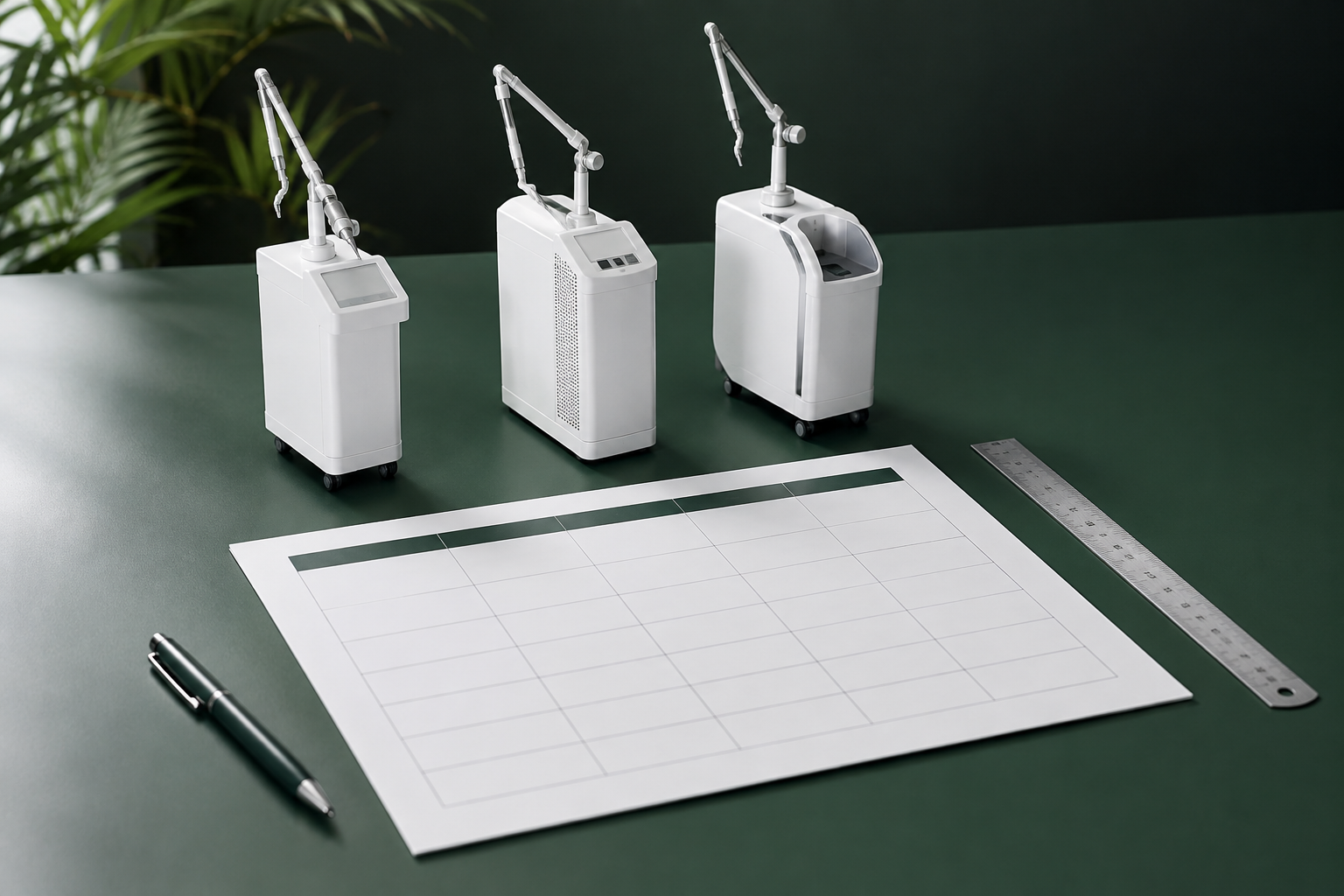
A comparison sheet is most useful when it distinguishes model identity, output modes, beam delivery and support requirements. Begin with separate columns for JLT-100AS, JLT-100BS and JLT-100CS. Add a source and revision column so readers know whether a value came from the website, a current datasheet or a signed quotation.
Keep unlike quantities separate
Rated laser power, spot diameter and scanner area describe different characteristics. Do not place them under a single heading such as performance. The JLT product pages describe different articulated arms and mode combinations; record those differences explicitly instead of interpreting a larger number as an automatic advantage.
Add the questions a specification table misses
Include rows for supplied handpieces, optional accessories, operator training, installation responsibilities, service contact and replacement-part availability. Use separate entries for included, optional and awaiting confirmation. This makes commercial differences visible without implying a technical deficiency where information is simply missing.
Close the sheet with a decision log
Ask the supplier to review the completed document and correct any outdated or ambiguous entries. Keep a short note explaining why each requirement matters to your team. The resulting sheet should support a reasoned shortlist and a productive demonstration. It should not function as a clinical treatment guide or as proof of regulatory permission.
Explore related JLT Medical information or contact our team for the current model-specific documentation.
Cover: AI-generated editorial illustration, not a photograph of a specific JLT product. This article is for equipment information and planning; follow the applicable instructions for use and qualified professional guidance.